In today’s hyper-connected world, navigation and location-based services have become indispensable. We rely on maps to get from point A to point B, discover new places, and even track deliveries. While most of us are familiar with using map applications through official app stores like Google Play or the Apple App Store, the world of APKs (Android Package Kits) opens up another avenue for accessing and customizing these essential tools.
But what exactly are map APKs? Why would someone choose to use one over a standard app store download? And what are the potential benefits and risks associated with using them? This article delves deep into the world of map APKs, exploring their functionalities, motivations behind their use, and the crucial considerations for users before downloading and installing them.
What is an APK? A Quick Primer
Before diving into map APKs specifically, it’s crucial to understand what an APK is in general. An APK is essentially the package file format used by the Android operating system for distribution and installation of mobile apps and middleware. Think of it as the Android equivalent of an .exe file on Windows. It contains all the necessary elements for an Android app to be correctly installed on your device, including:
- Code: The compiled application code that defines the app’s functionality.
- Resources: Images, audio files, videos, and other assets used by the app.
- Manifest File: A crucial file that describes the app to the Android system, outlining its permissions, required hardware features, and other essential information.
- Libraries: Pre-written code modules that provide specific functionalities used by the app.
When you download an app from the Google Play Store, the store automatically downloads and installs the APK for you. However, you can also obtain APK files from other sources and manually install them on your Android device.
Map APKs: Navigation at Your Fingertips (Potentially with a Twist)
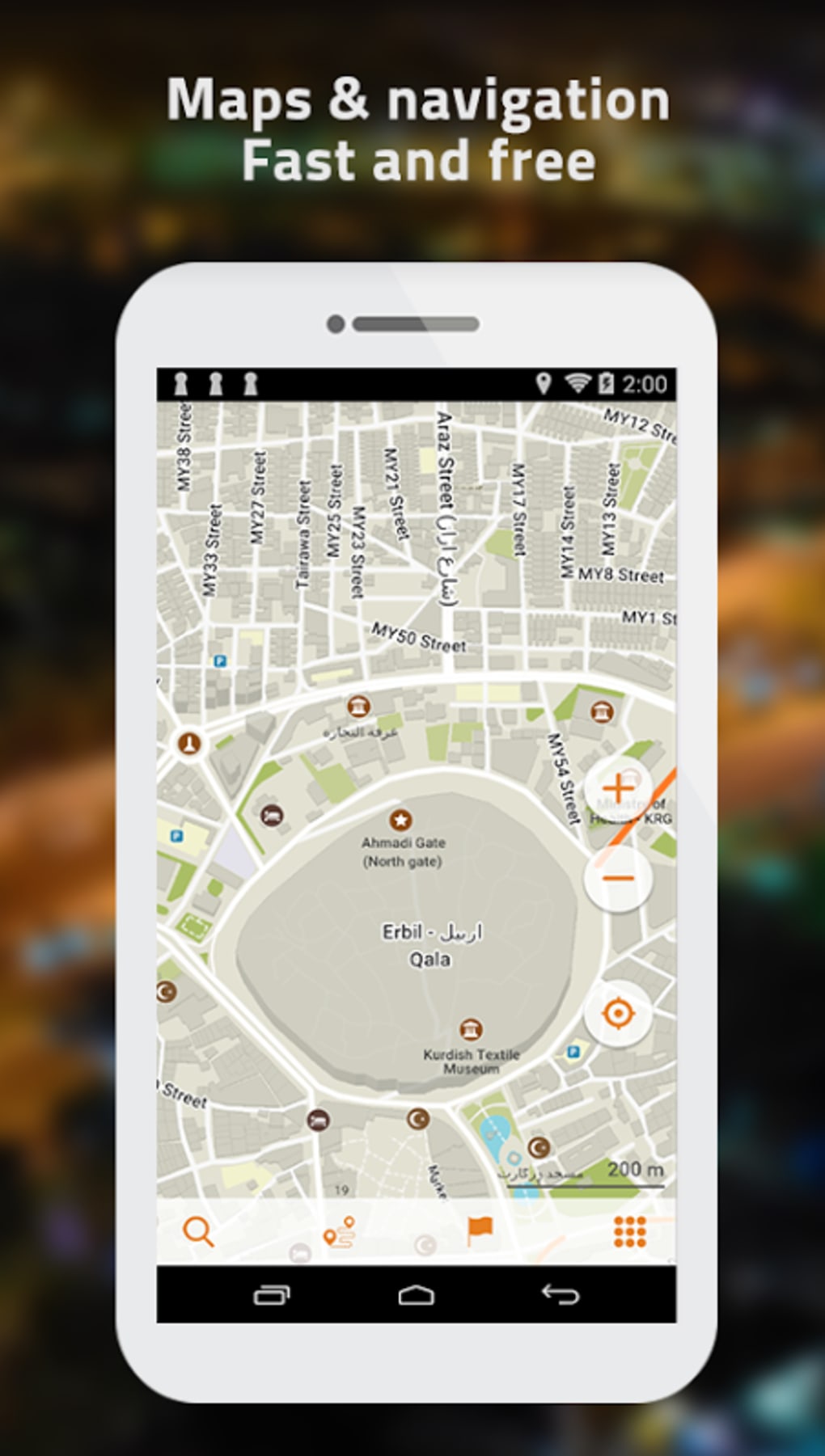
A map APK, therefore, is simply the APK file for a mapping application. This could be for popular apps like Google Maps, Waze, HERE WeGo, or even specialized mapping apps designed for specific purposes like hiking, cycling, or aviation.
Why Choose a Map APK Over the Play Store? Understanding the Motivations
While downloading apps from official app stores is generally considered the safest and most convenient method, there are several reasons why someone might choose to use a map APK:
- Availability Issues: Some map apps might not be available in your region due to licensing restrictions, language support, or other factors. An APK might provide access to an app that is otherwise unavailable.
- Version Control: Sometimes, users prefer an older version of a map app because they dislike new features or find a previous version more stable and user-friendly. APKs allow them to downgrade to a preferred version.
- Customization and Modification: Some developers create modified APKs of popular map apps, often referred to as "modded" APKs. These versions might offer features not available in the official app, such as ad-free experiences, enhanced offline capabilities, or customized themes and interfaces.
- Circumventing Restrictions: In some regions, access to Google services, including Google Maps, might be restricted. Map APKs, especially those for alternative mapping apps, can provide a workaround.
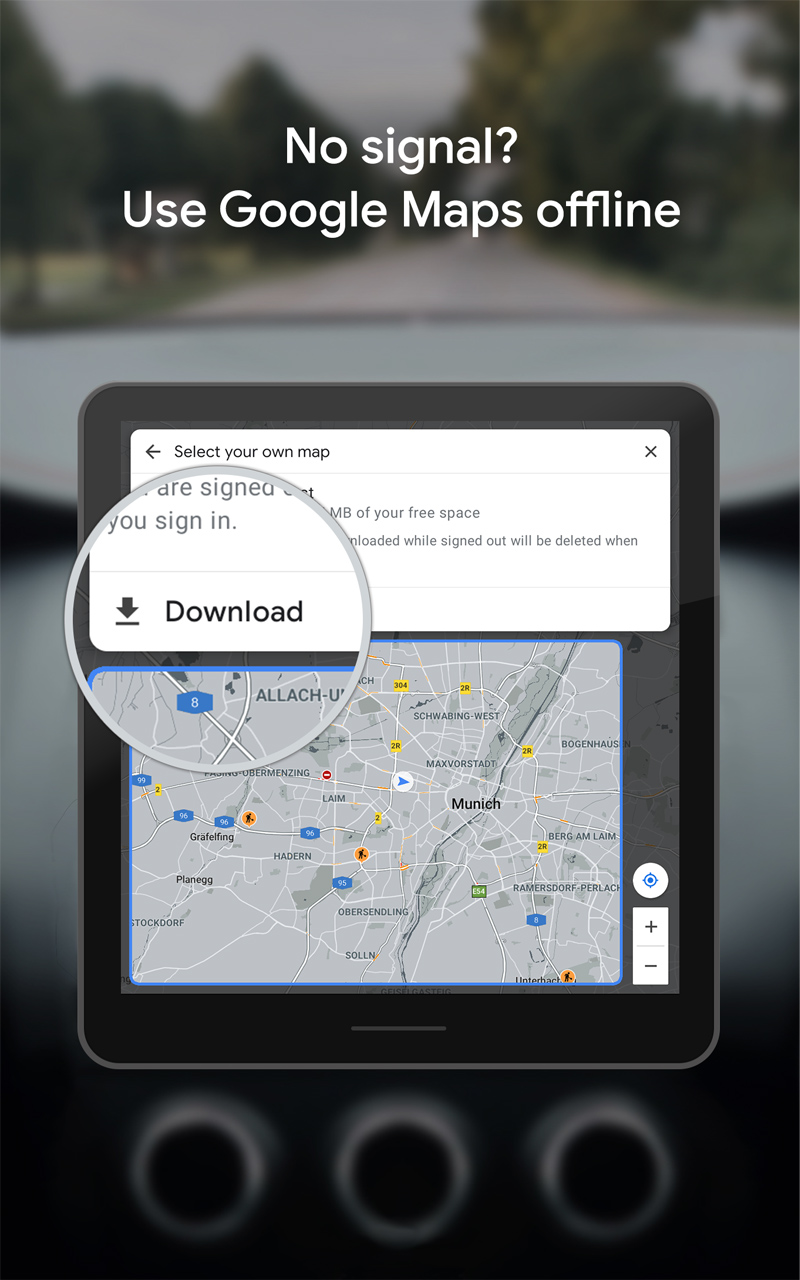
- Offline Functionality Enhancements: Certain map APKs, particularly those focused on offline navigation, might offer superior offline map download options, more detailed offline data, or improved performance when used without an internet connection.
- Testing Beta Versions: While often available through official channels, some users might obtain APKs of beta versions to test new features and provide feedback before they are released to the general public.
- Rooted Devices and Custom ROMs: Users with rooted Android devices or custom ROMs might find that certain map APKs offer better compatibility or integration with their customized system.
The Potential Benefits of Using Map APKs
When used responsibly and sourced from reputable locations, map APKs can offer several advantages:
- Access to Unavailable Apps: Unlock access to mapping applications not available through official channels in your region.
- Version Control and Customization: Retain preferred versions of map apps or access customized versions with enhanced features.
- Improved Offline Functionality: Enhance offline navigation capabilities with better map downloads and performance.
- Circumventing Restrictions: Bypass geographical or service-related restrictions on accessing mapping services.
- Access to Niche Mapping Apps: Discover and utilize specialized mapping applications tailored to specific needs, such as hiking, cycling, or aviation.
The Risks and Considerations: Proceed with Caution
While map APKs can offer benefits, it’s crucial to acknowledge the potential risks associated with using them:
- Security Risks: Downloading APKs from untrusted sources can expose your device to malware, viruses, and other security threats. Malicious actors can inject malicious code into APKs and distribute them through unofficial channels.
- Privacy Concerns: Modified APKs might collect and transmit your personal data without your consent. It’s crucial to carefully review the permissions requested by an APK before installing it.
- Instability and Compatibility Issues: APKs might not be compatible with your device or operating system, leading to crashes, errors, or other performance problems.
- Legality Concerns: Downloading and using modified APKs might violate the terms of service of the original app developer, potentially leading to account suspension or other legal consequences.
- Lack of Updates and Support: APKs downloaded from unofficial sources might not receive regular updates, leaving you vulnerable to security vulnerabilities and missing out on new features.
- Data Corruption: Poorly modified or corrupted APKs can potentially damage your device’s data or even render it unusable.
Best Practices for Using Map APKs Safely
If you choose to use map APKs, it’s essential to take precautions to minimize the risks:
- Choose Reputable Sources: Only download APKs from trusted sources with a proven track record of providing safe and reliable files. Look for websites or platforms that scan APKs for malware and verify their authenticity.
- Enable "Unknown Sources" Carefully: Android requires you to enable the "Install Unknown Apps" setting to install APKs from sources other than the Google Play Store. Only enable this setting temporarily and disable it immediately after installing the APK.
- Review App Permissions: Before installing an APK, carefully review the permissions it requests. Be wary of apps that request unnecessary permissions, especially those related to your personal data or device functionality.
- Use a Virus Scanner: Scan downloaded APK files with a reputable antivirus app before installing them to detect any potential malware.
- Read Reviews and Ratings: Look for reviews and ratings from other users to gauge the safety and reliability of the APK.
- Compare APK Information: Compare the information about the APK, such as its size, version, and developer, with information available from official sources to ensure its authenticity.
- Keep Your Device Updated: Ensure that your Android device has the latest security updates installed to protect it from vulnerabilities.
- Use a VPN: Consider using a VPN (Virtual Private Network) to encrypt your internet traffic and protect your privacy when downloading APKs from unofficial sources.
- Be Wary of Modified APKs: Exercise extreme caution when using modified APKs, as they are more likely to contain malware or violate the terms of service of the original app developer.
- Consider the Alternatives: Before resorting to an APK, explore alternative mapping apps available on the Google Play Store that might meet your needs.
Conclusion: Navigating the World of Map APKs Responsibly
Map APKs can offer a convenient way to access mapping applications that might not be available through official channels or to customize your mapping experience. However, it’s crucial to be aware of the potential risks associated with using them and to take precautions to protect your device and personal data. By following the best practices outlined in this article, you can navigate the world of map APKs responsibly and unlock the benefits they offer while minimizing the risks. Remember, prioritizing security and privacy should always be your top priority when downloading and installing APKs from any source. Always weigh the potential benefits against the inherent risks before proceeding, and choose reputable sources to ensure a safe and enjoyable mapping experience.